ReadingTracker


Contents
What is this?
ReadingTracker helps you manage your reading workflow:
- Keep a queue of books/articles/courses you want to read.
- Track what you’re currently reading and what you’ve finished.
- Collect reading statistics (pages, streaks, etc.).
- Maintain a reading log.
- Take notes and connect them with tags and links (Zettelkasten-style).
Installation
Prerequisites
- Docker + Docker Compose (
docker compose). - A Google Drive service account is optional (only needed for Drive backup/restore).
Steps
- Clone the repo:
git clone https://github.com/kunansy/ReadingTracker - Create the
.envfile:cp env.template .env - Create the Docker network (required by
docker-compose.yml):docker network create tracker-net - Initialize storage (creates DB objects and search indexes):
docker exec -it tracker-app python3 /app/tracker/main.py
Optional: Google Drive backup/restore
If you want to use Google Drive backup/restore, create a Google Drive service account and put its JSON credentials into DRIVE_CREDS in your .env.
The guide below is a good starting point (use the first steps about service accounts):
https://labnol.org/google-api-service-account-220404
Structure
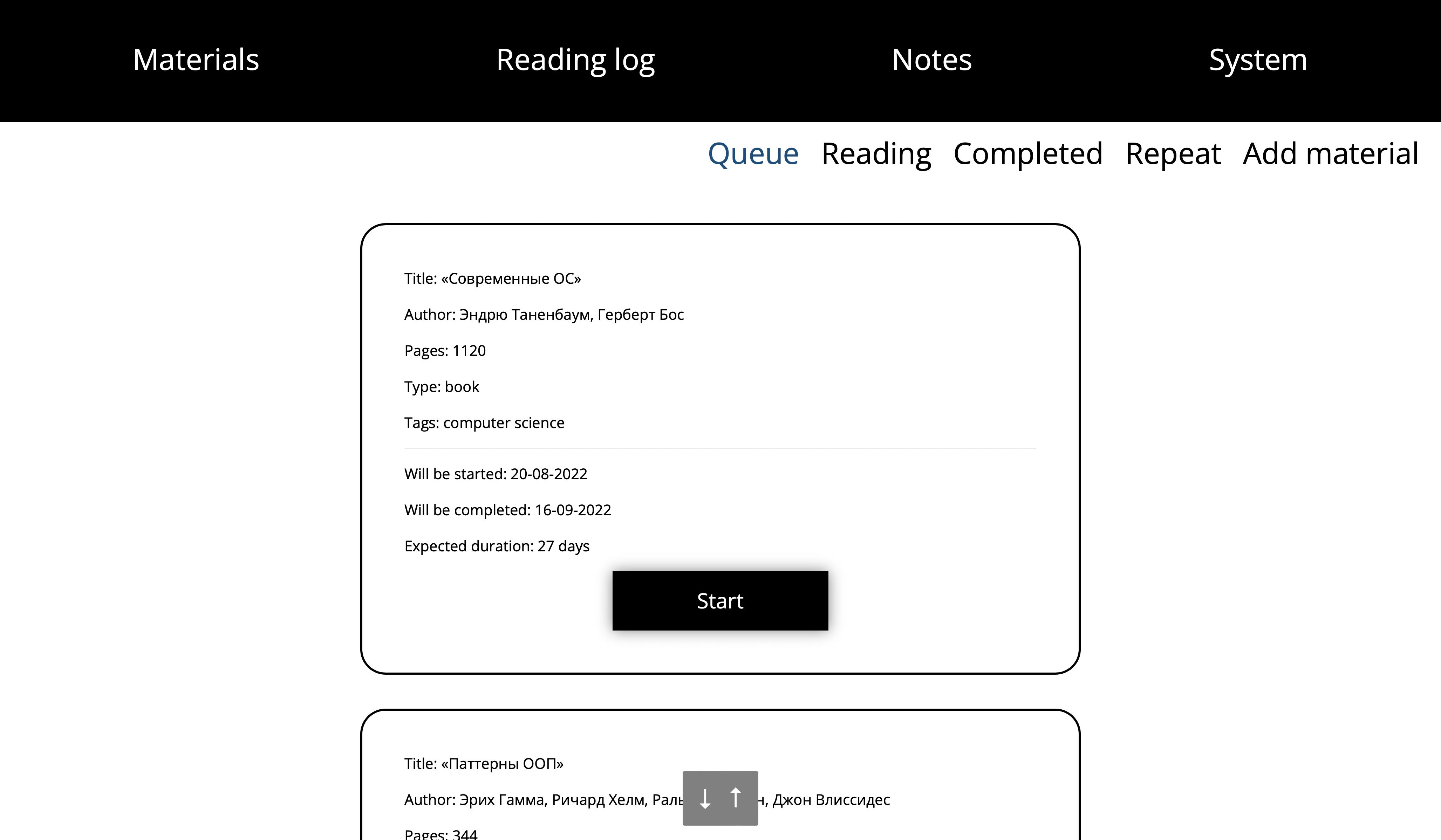
Queue
This page contains books/articles/courses you plan to read, with basic analytics (for example,
an estimated reading time based on your average pace).
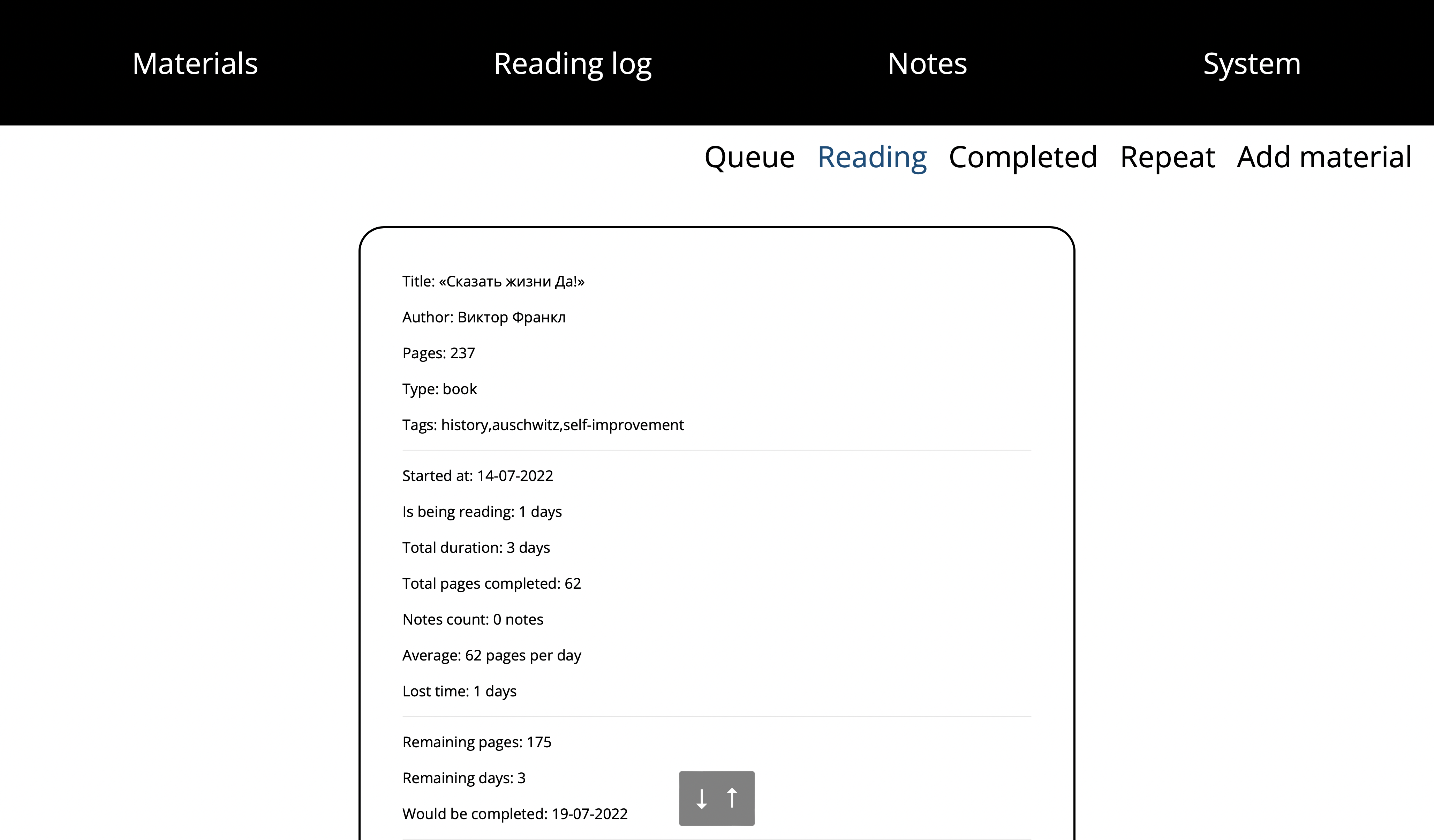
Reading
This page contains materials you are currently reading.
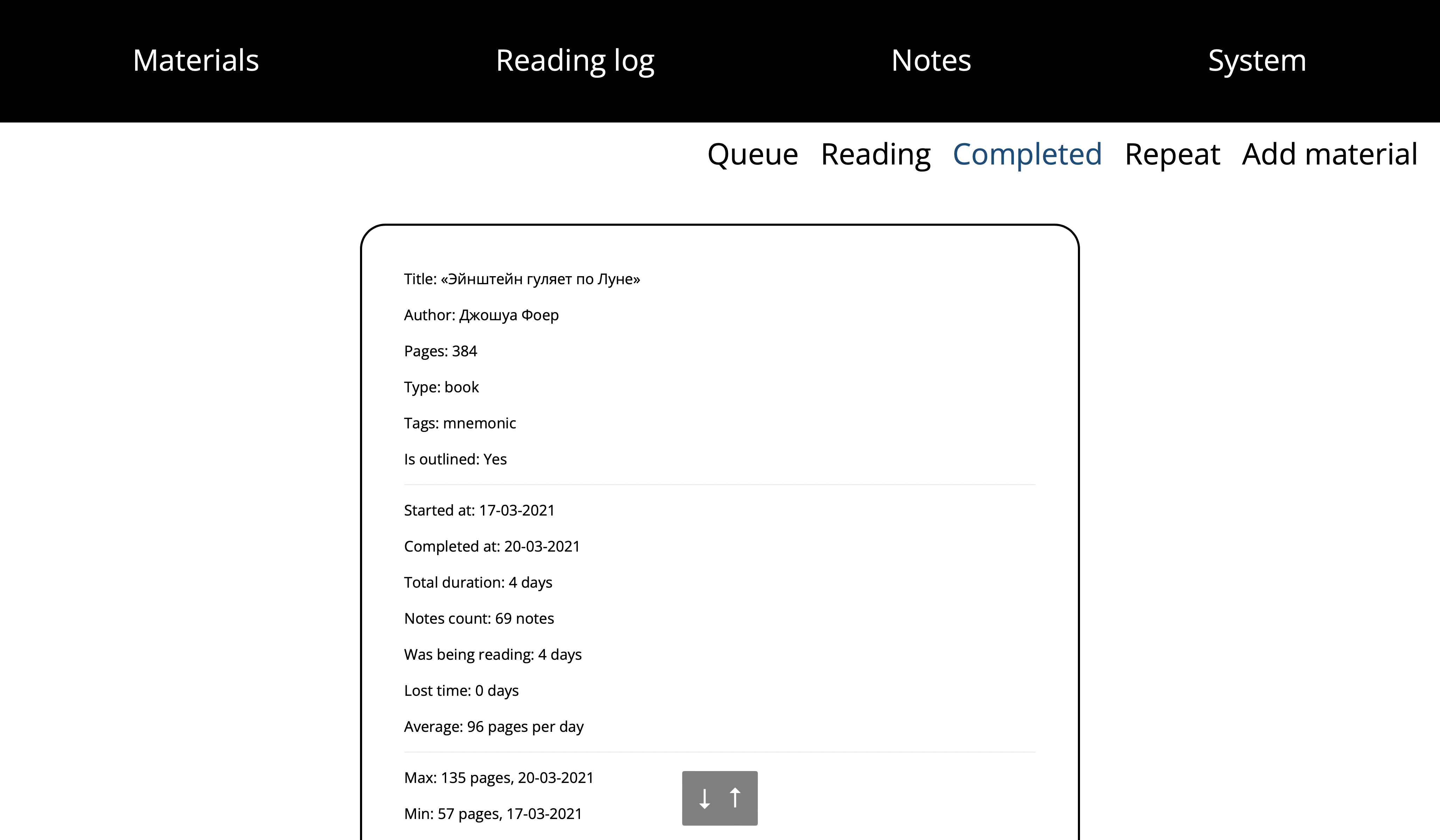
Completed
This page contains materials you’ve finished.
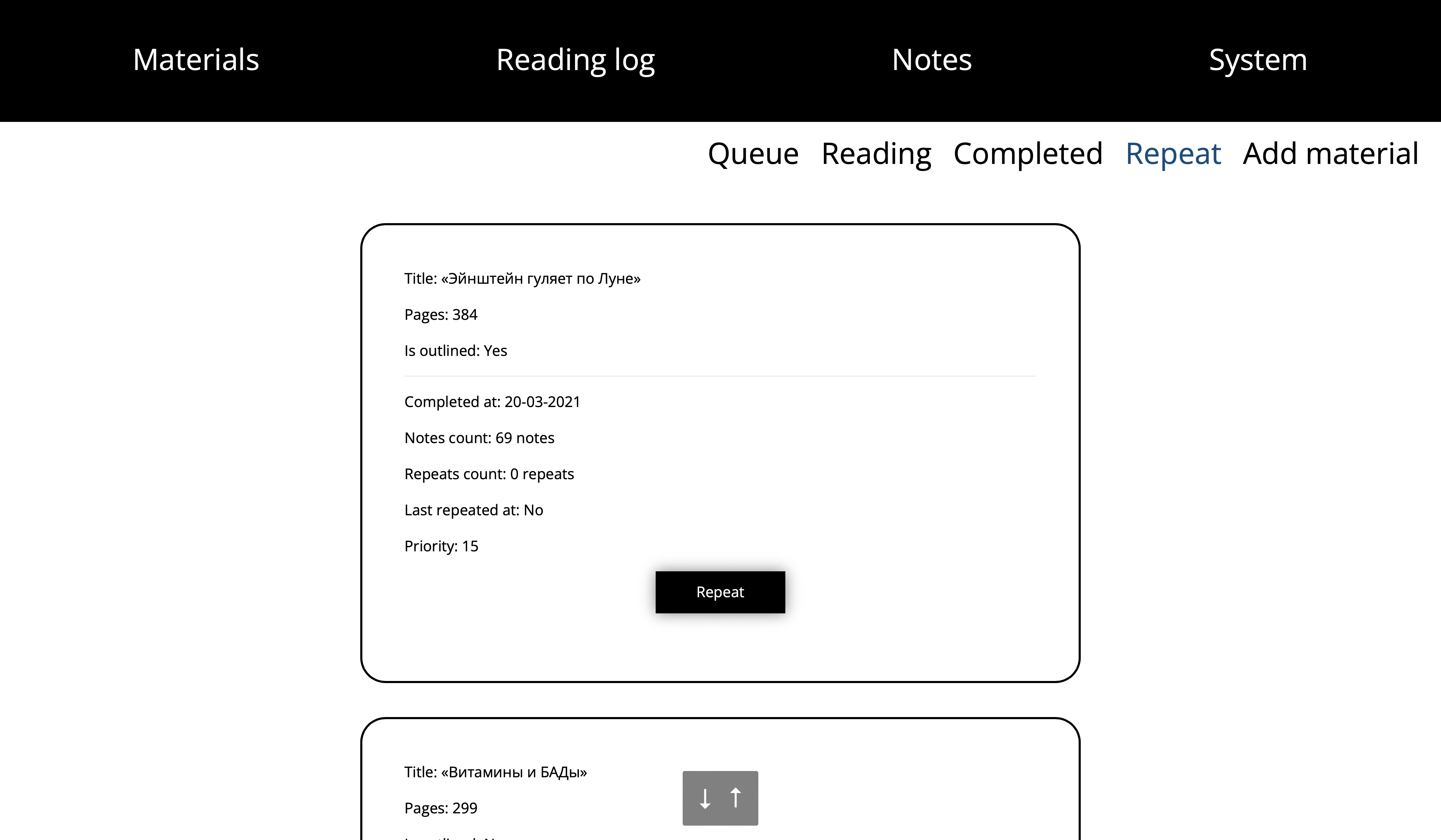
Repeat
This page contains materials you want to reread (typically a month later or more).
The priority equals the number of months since the material was last read/repeated.
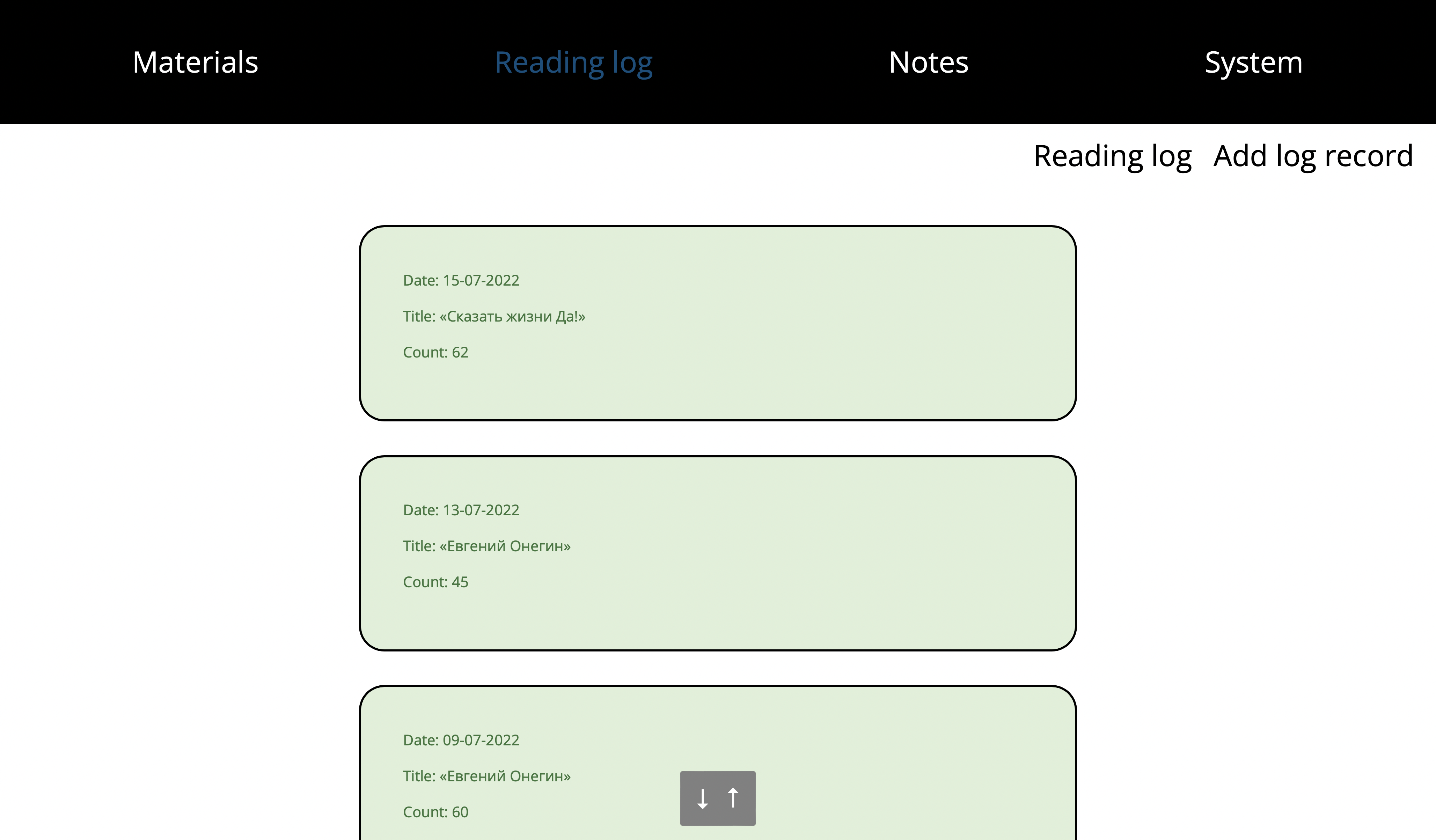
Reading log
This page shows your reading log. A day is red if you read fewer pages than your average,
and green if you read more.
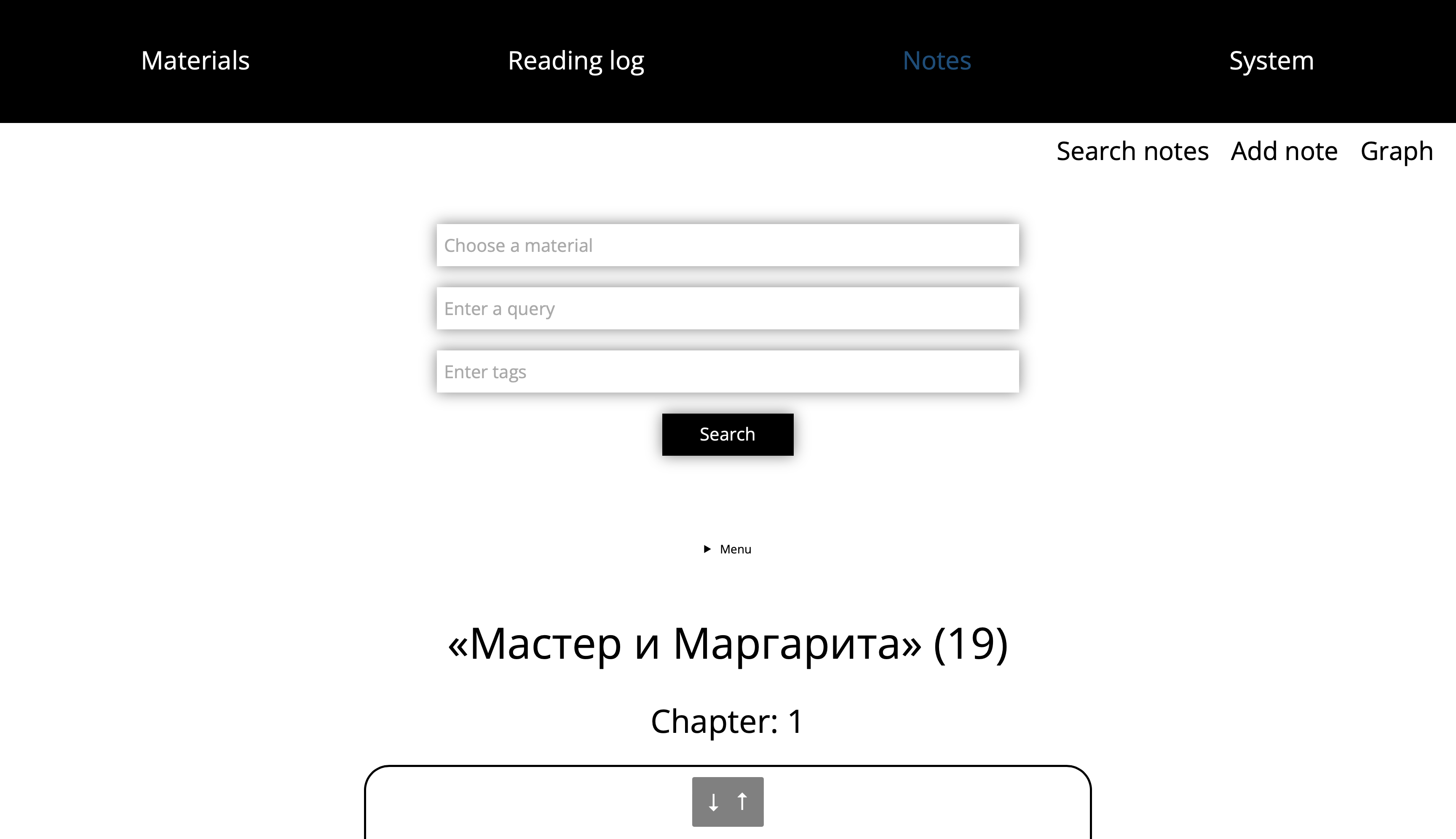
Notes
This page contains your notes (key ideas from what you read).
You can full-text search via Manticoresearch and filter notes by material or tags.
Guidelines:
- Create small notes with one idea in each note.
- Add tags to group related ideas:
#health,#history,#linguistics, etc. - Add links to help connect notes together using Zettelkasten method.
- Link notes together using the note ID format:
[[c2ed0ac7-fe4f-4a23-a00c-8f61d16398ea]]
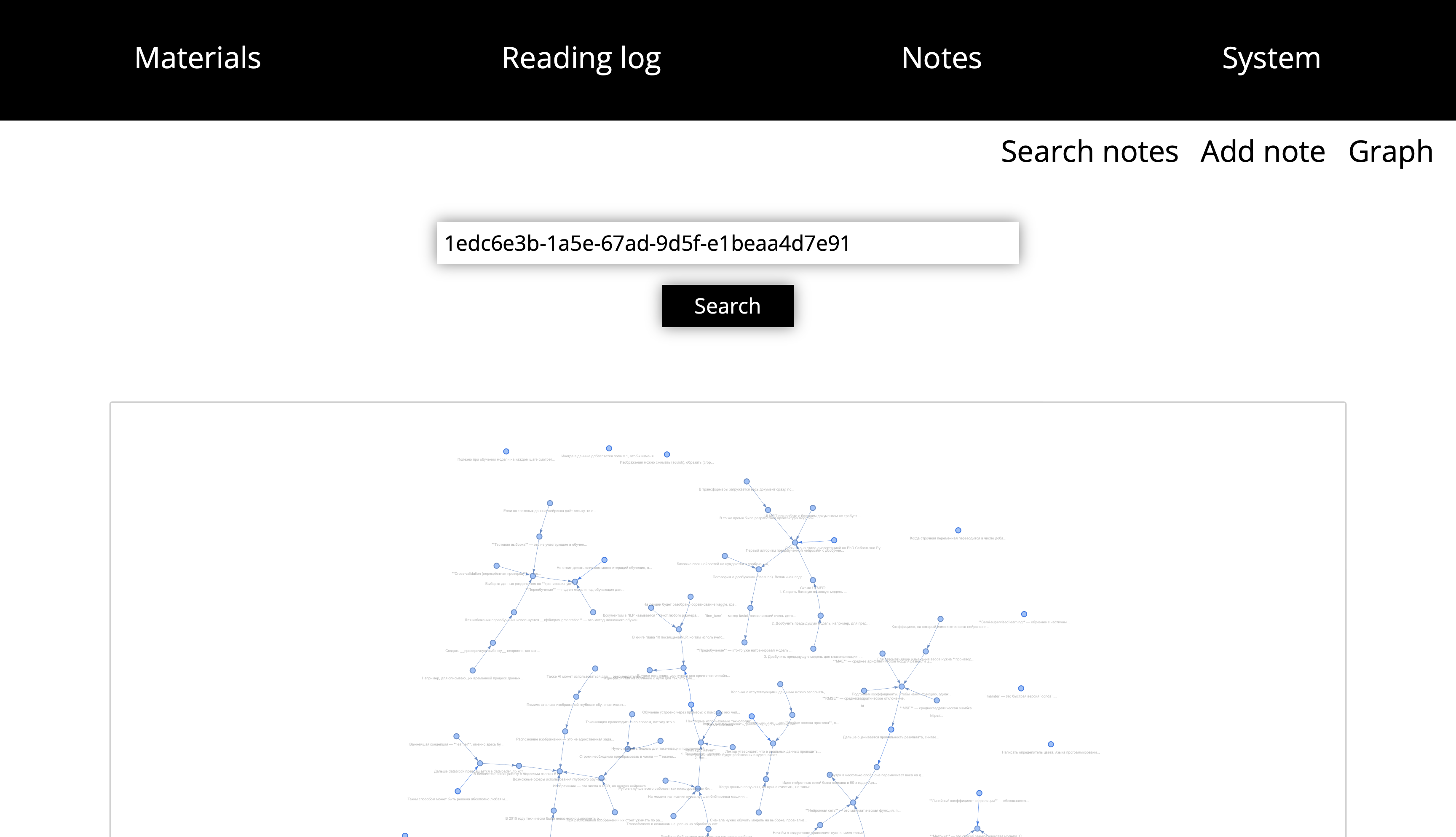
Notes graph
This section shows a graph of all notes.
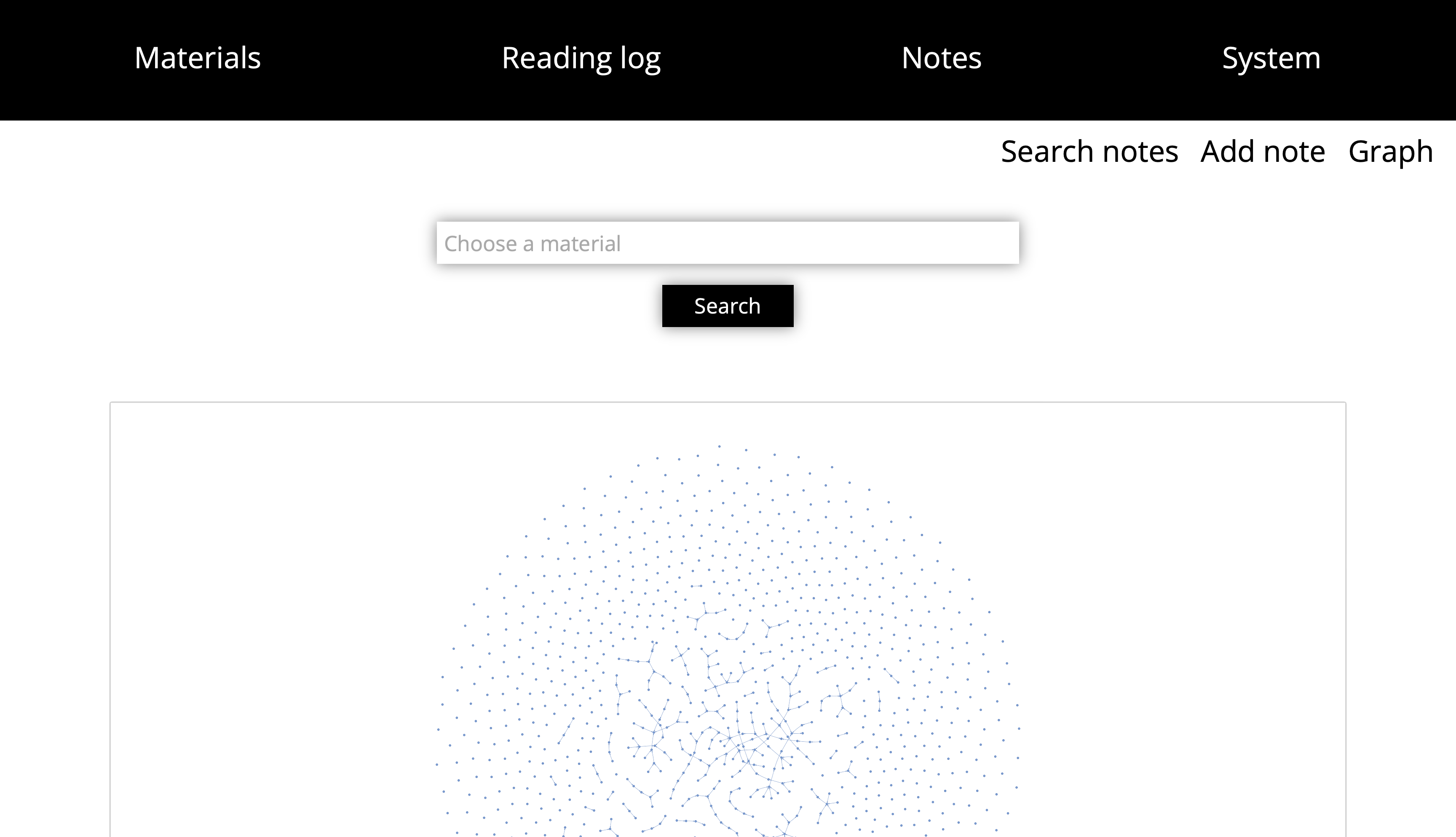
There is also a graph for a selected material.
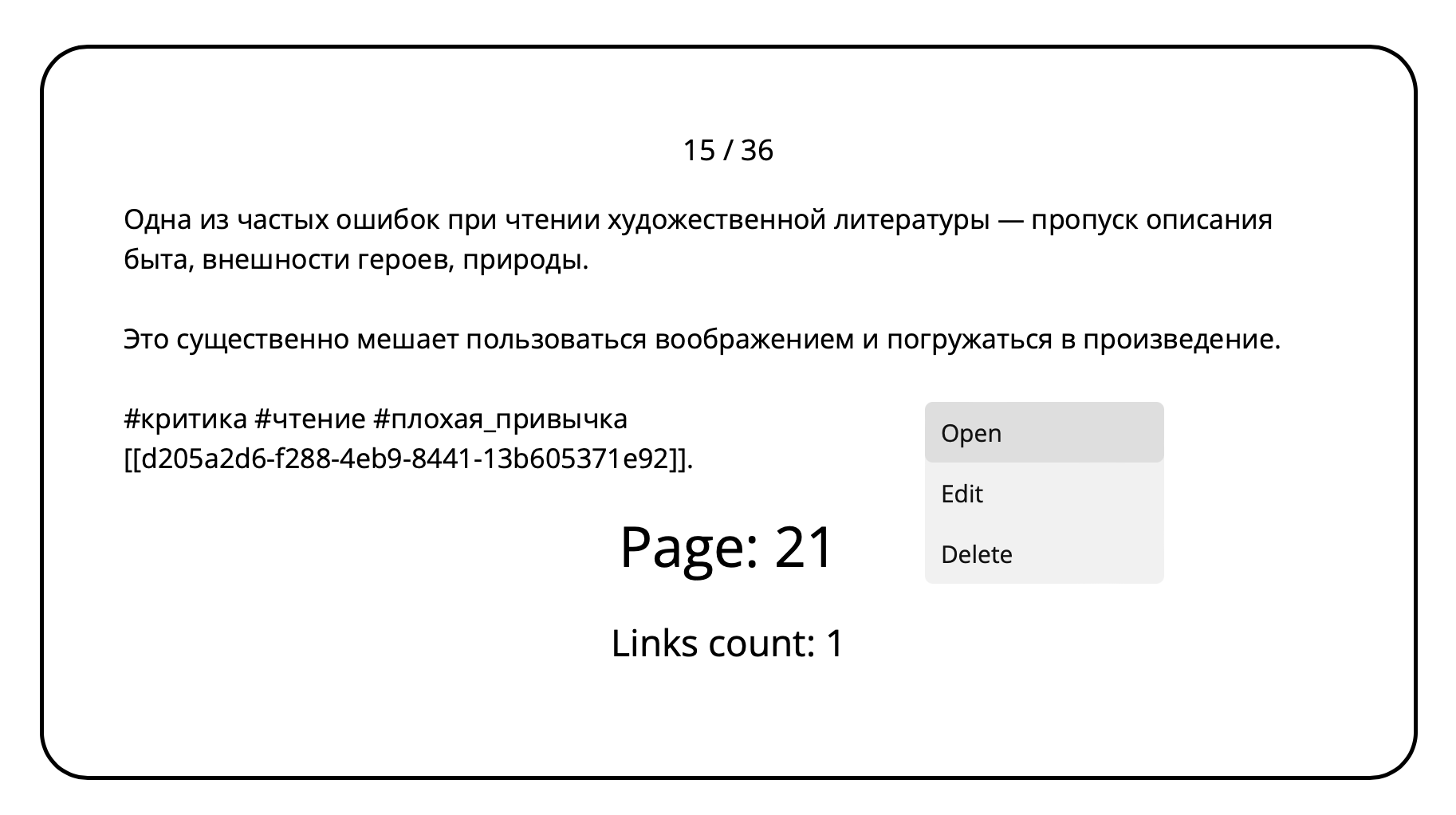
Note context menu
You can open a note from the context menu, edit it, or delete it.
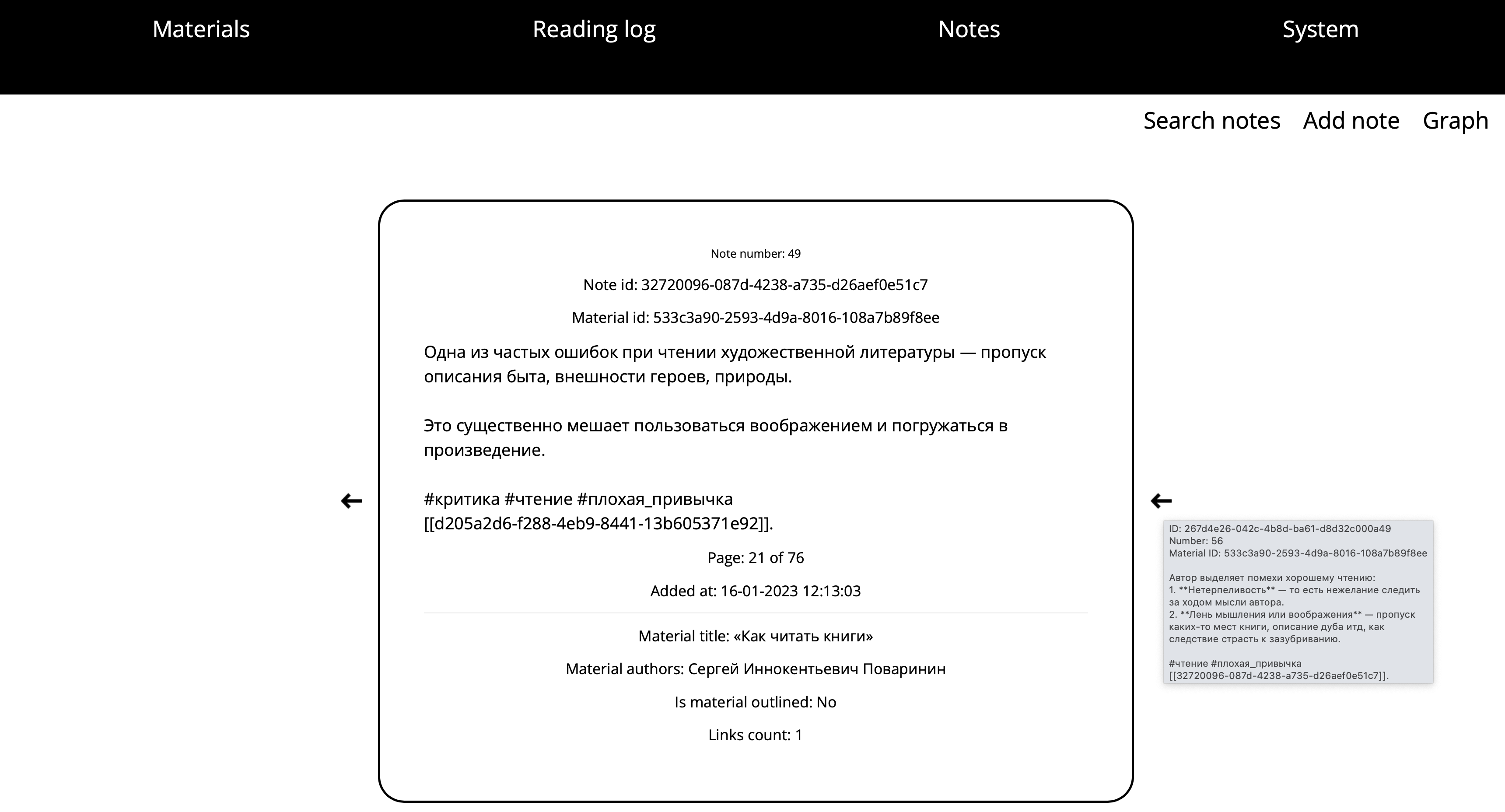
Show the note
Use the arrows to iterate through linked notes.
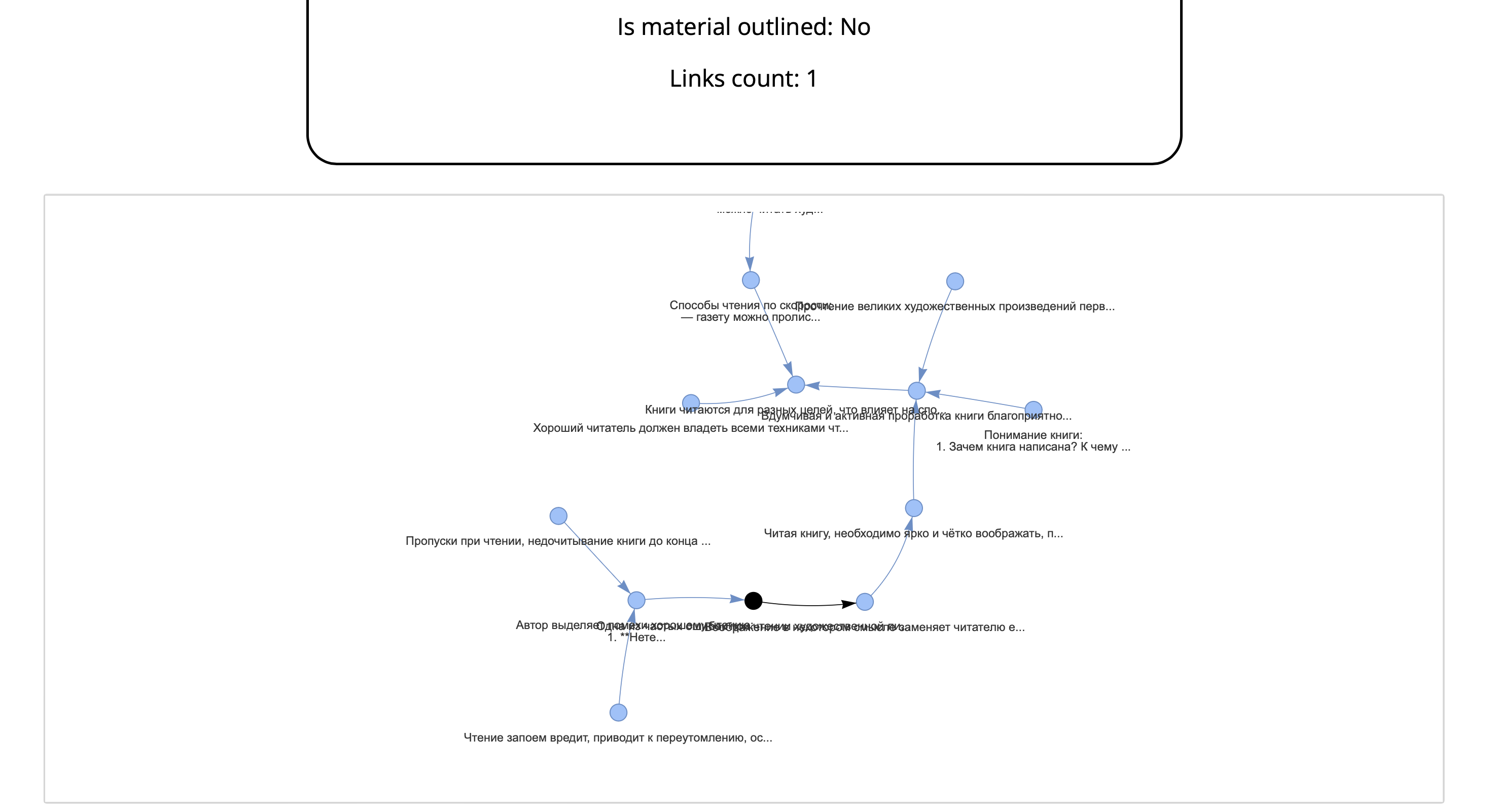
This graph shows links for the current note.
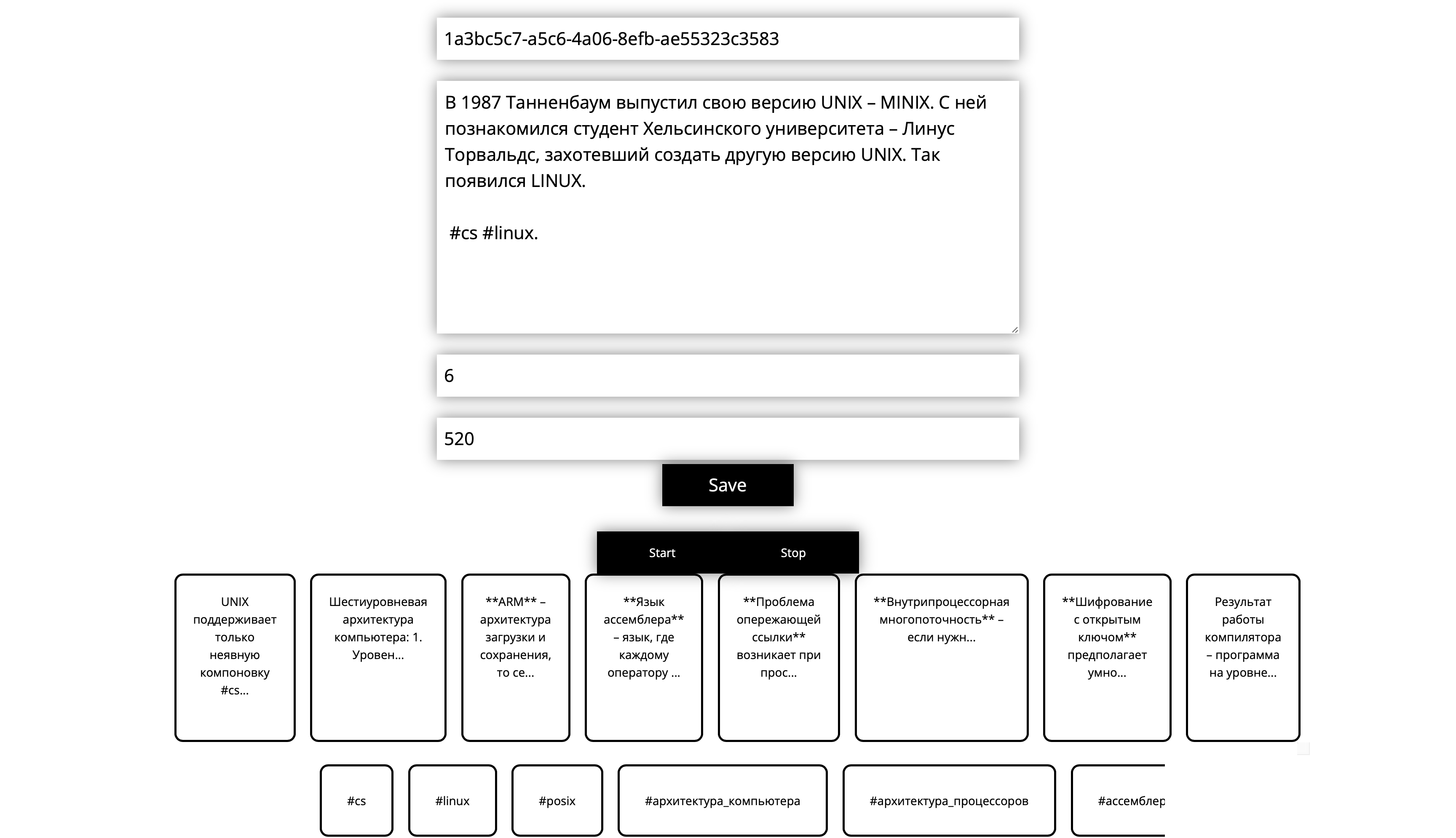
Edit the note
When editing a note you can:
- Use speech recognition and enter text using a voice (buttons
Start,Stop); - Select suggested tags (sorted so tags used in this material’s notes come first);
- Add a link to another note (candidates are notes with similar tags, ordered by tag overlap).
Tag and link lists can be scrolled left/right.
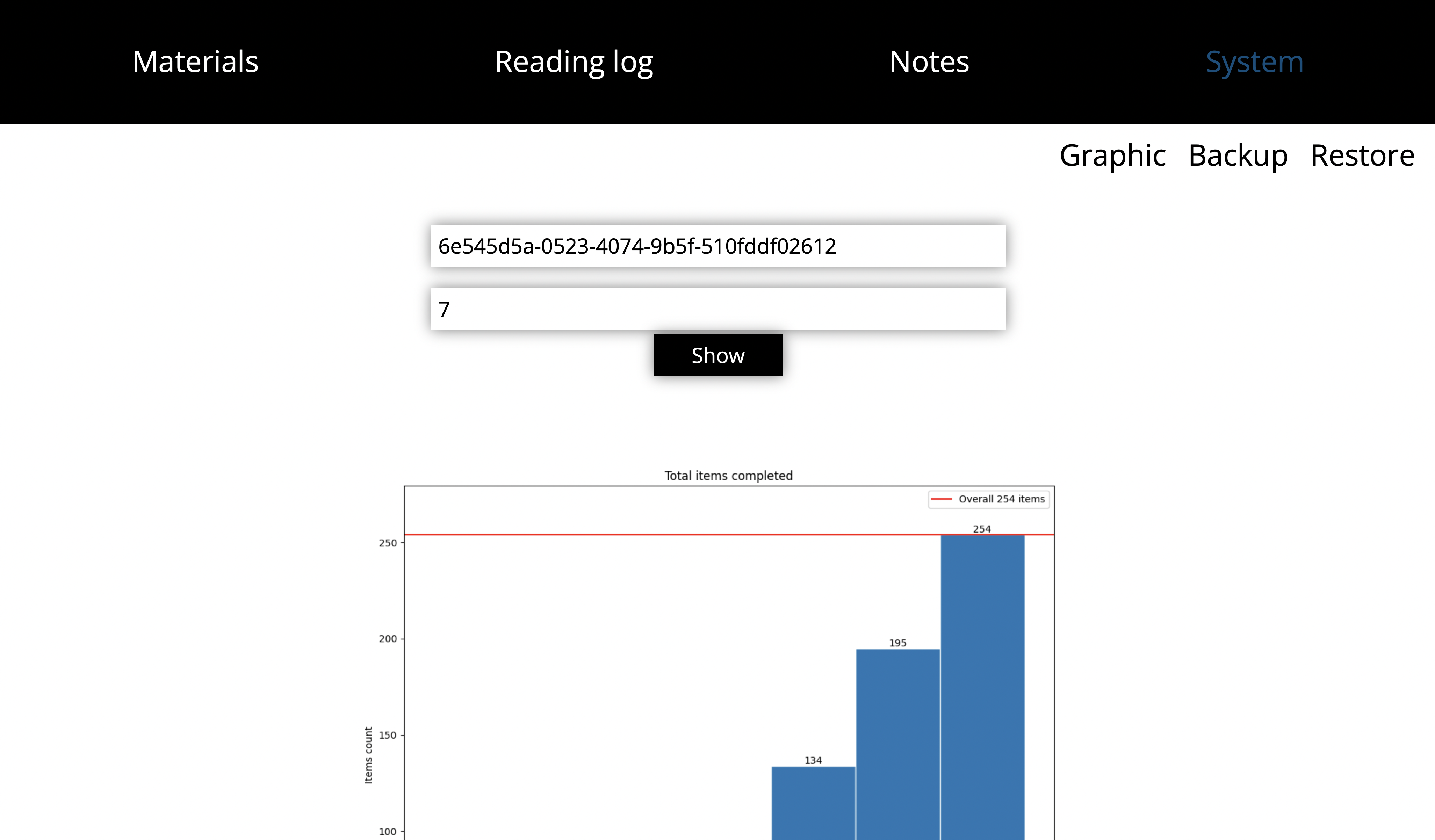
System
This page includes charts and system tools (including backup/restore to Google Drive).
All charts show statistics for the selected time span (a week by default).
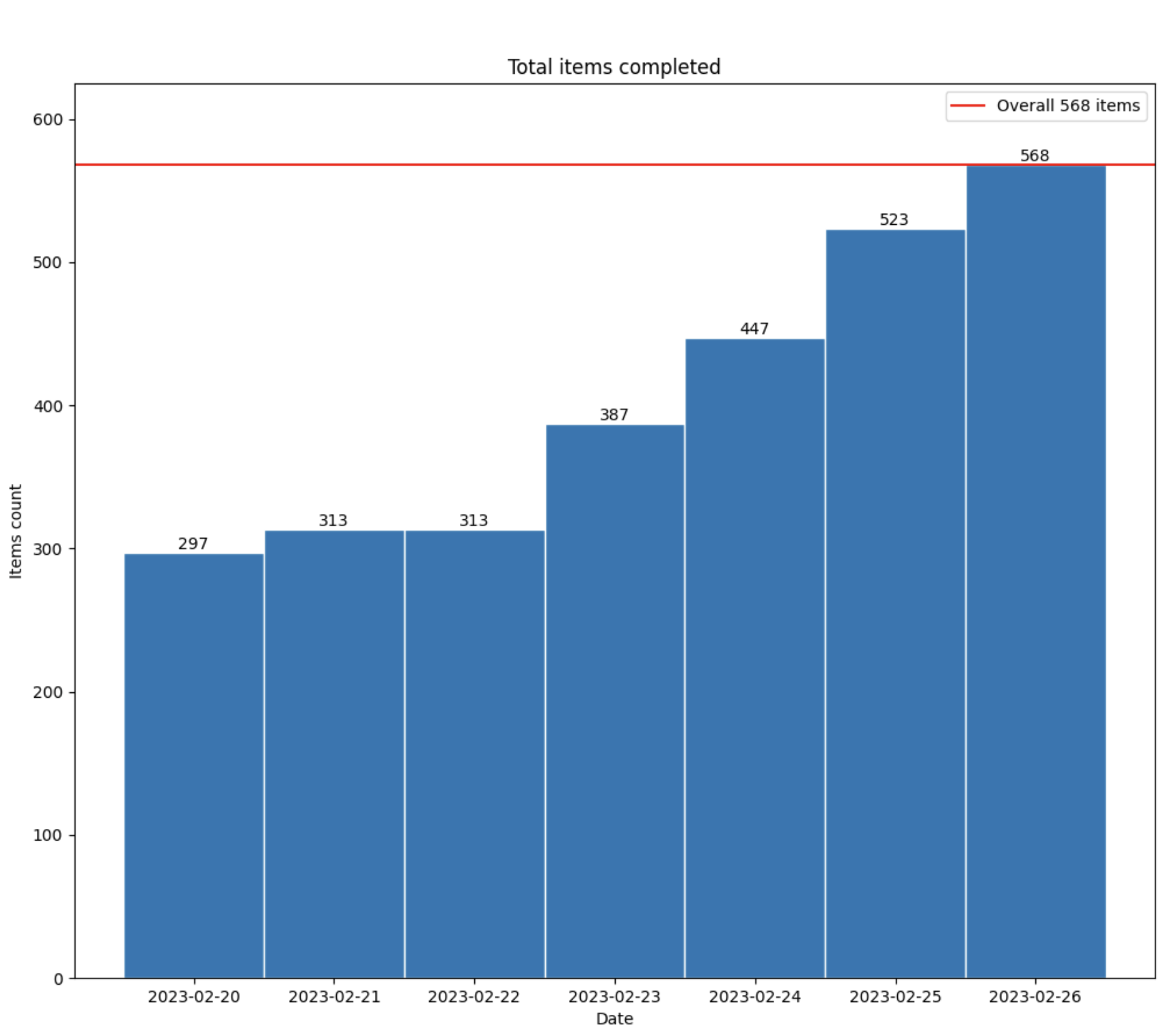
Material reading graphic
How the material was read over time:
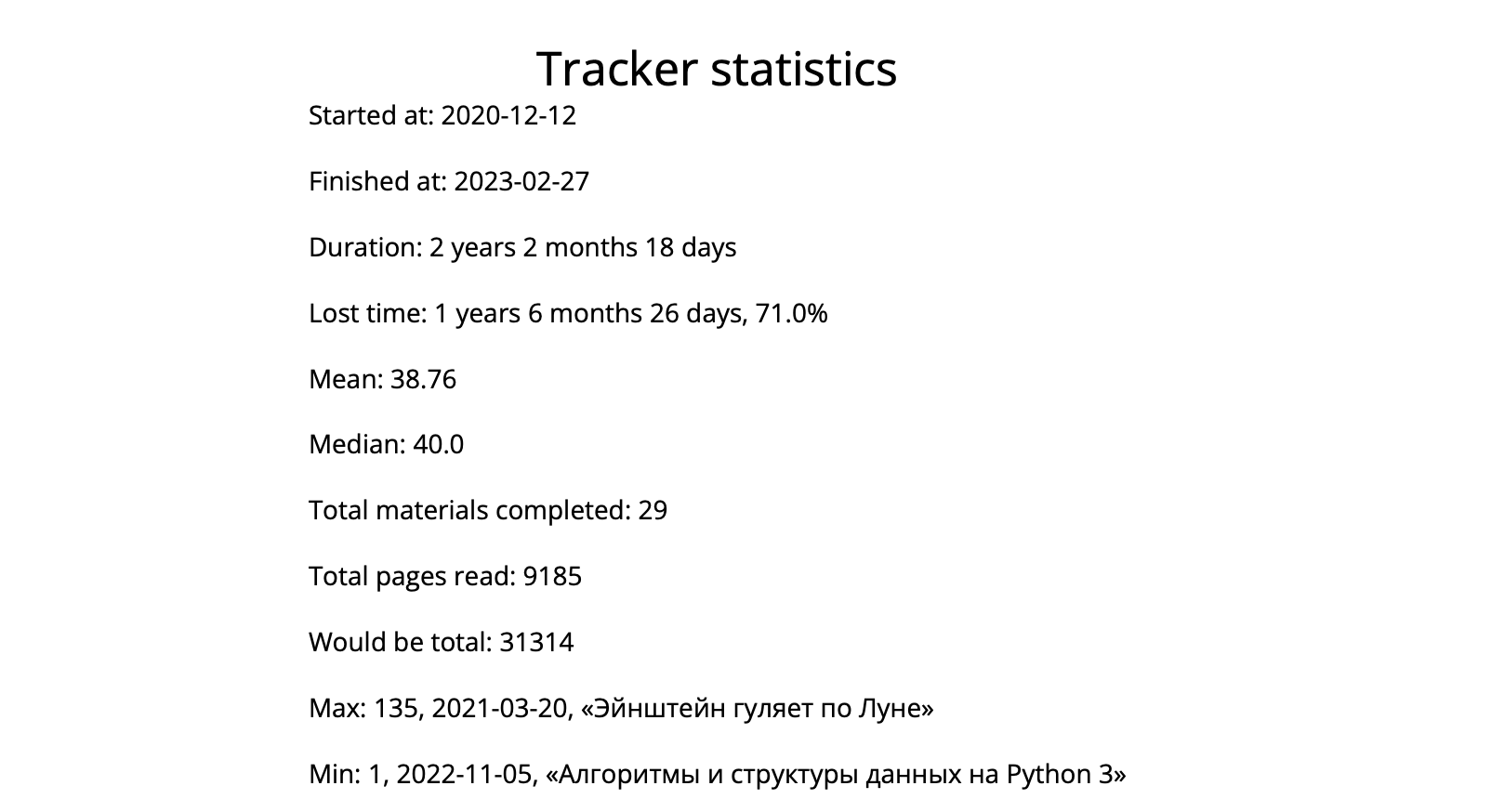
Tracker statistics
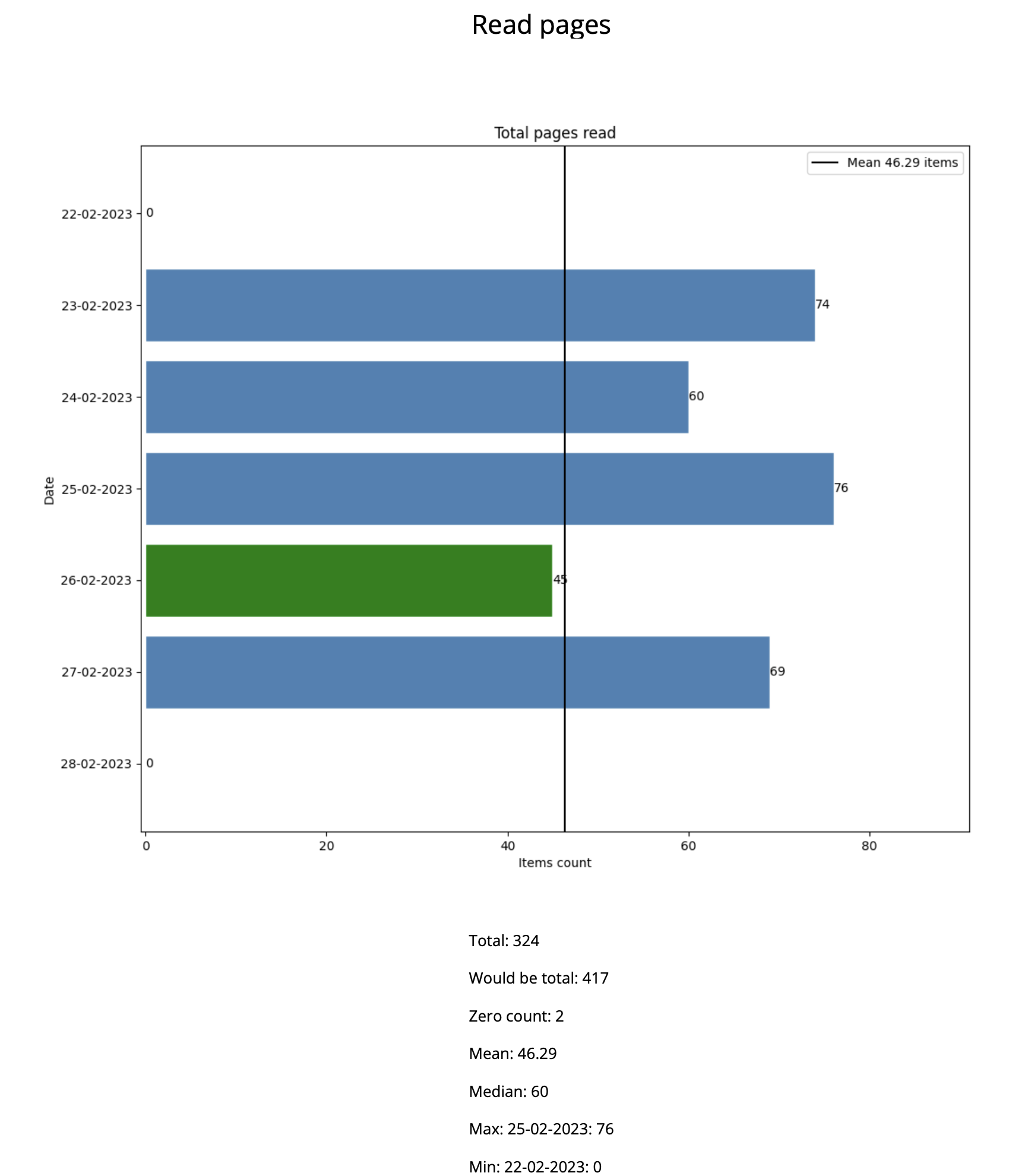
Read pages statistics
Read pages statistics for the selected time span.
Would be total— how many pages would be read if there were no empty days;- A day when a material was completed is marked in green.
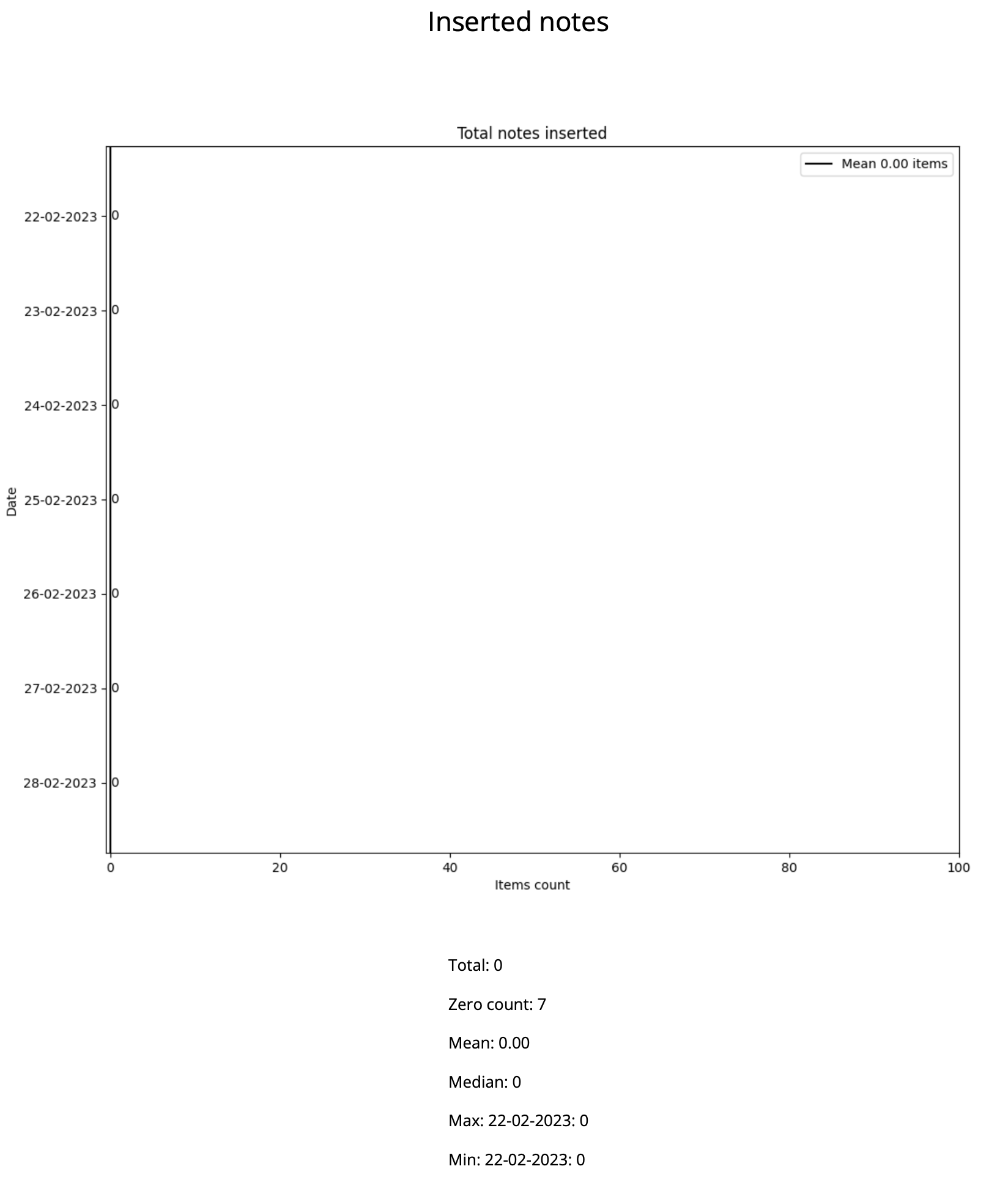
Inserted notes statistics
Inserted notes statistics for the selected time span.